
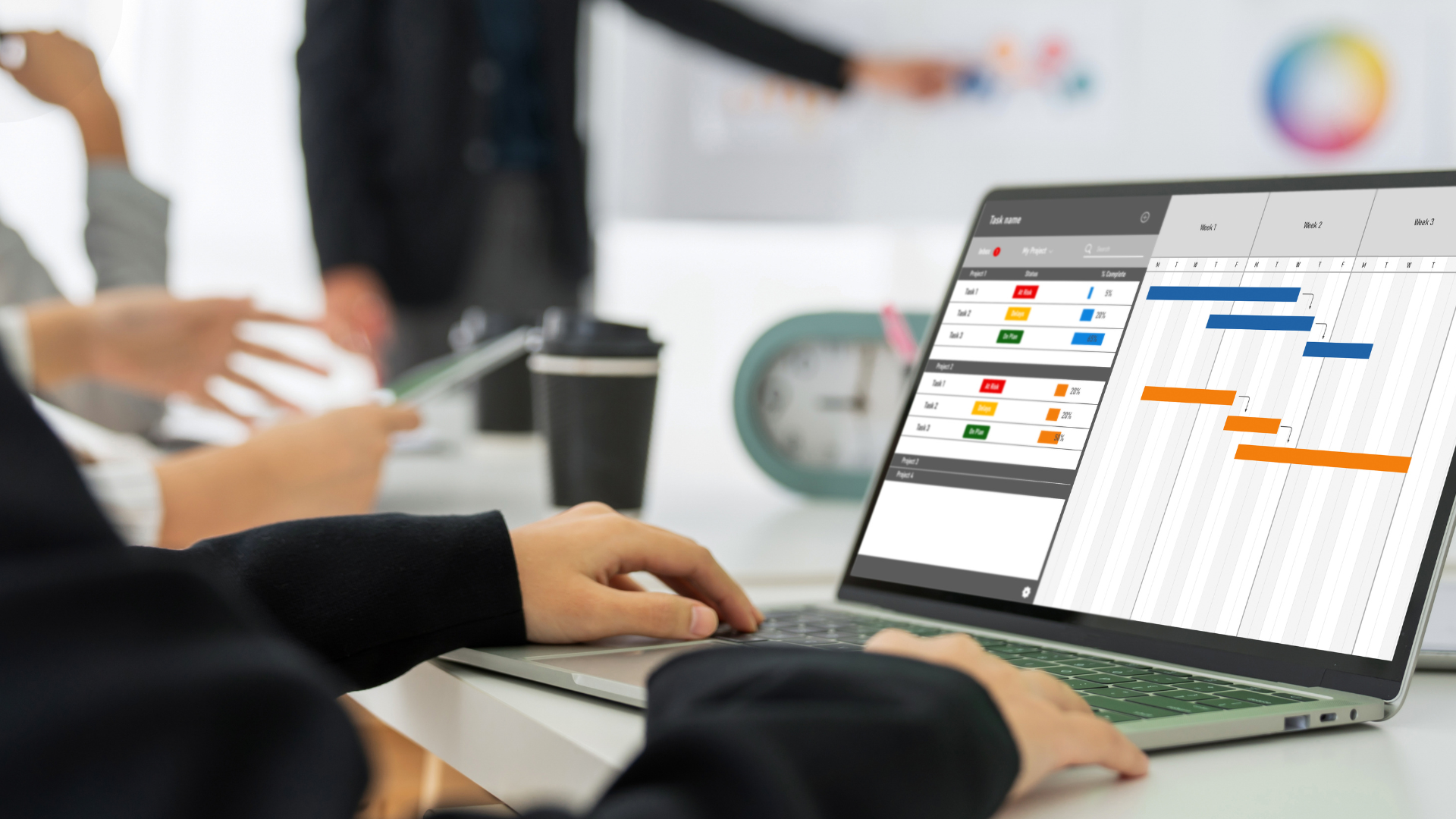
Unlock the full potential of Microsoft Projects with our comprehensive course designed to transform the way you manage, track, and deliver projects. Whether you are new to project management or seeking to enhance your skills, this Microsoft Projects course gives you the expertise to confidently create, manage, and control projects using Microsoft’s powerful project management tool.
In this course, you will start from the fundamentals and progress to advanced techniques that help you plan, execute, and monitor projects efficiently. Each module is designed to guide you step by step through the practical aspects of using Microsoft Projects in real-world scenarios. By the end of this course, you will have hands-on experience in setting up projects, managing resources, tracking progress, and linking tasks for seamless workflow.
This is not just a theoretical course—our Microsoft Projects curriculum is tailored for actionable learning. You’ll be equipped with the skills to handle complex projects, collaborate with teams effectively, and deliver projects on time and within budget.
The Microsoft Projects course is your gateway to mastering one of the most essential project management tools used globally by professionals, teams, and organizations. Microsoft Projects simplifies complex project management tasks, and our course ensures that you learn to use it in the most effective way possible.
This course is structured into seven modules:
Module 1: Introduction to Projects
Start your journey with a clear understanding of what projects are, the principles of project management, and how Microsoft Projects can streamline project workflows. This module introduces you to the software interface, key features, and essential terminology that forms the foundation of successful project planning.
Module 2: Control over Project
Gain full control over your projects by learning how to manage project schedules, budgets, and deliverables. With Microsoft Projects, you can monitor all aspects of your projects in real-time. This module emphasizes maintaining control over every element, ensuring projects stay on track and aligned with business goals.
Module 3: Starting a Project
Learn how to initiate a project in Microsoft Projects by creating project plans, defining timelines, and setting milestones. This module will guide you through structuring your projects efficiently from day one, allowing you to avoid common pitfalls in project initiation.
Module 4: Setting up Tasks
Explore the techniques for creating, assigning, and managing tasks in Microsoft Projects. You’ll learn how to break projects into manageable tasks, set priorities, and organize workloads. This module ensures that your project tasks are well-defined, clear, and trackable.
Module 5: Handling Resources
Effective project management requires proper resource allocation. This module teaches you how to manage team members, equipment, and materials using Microsoft Projects. You’ll learn how to assign resources to tasks, avoid over-allocation, and ensure the optimal use of your project resources.
Module 6: Link Resources and Tasks Together
Understand the power of linking tasks and resources to create a seamless project flow. This module demonstrates how Microsoft Projects allows you to establish task dependencies, critical paths, and resource allocation, providing a clear roadmap of project execution.
Module 7: Tracking Progress
Finally, learn how to track project performance using Microsoft Projects. This module covers techniques for monitoring progress, identifying bottlenecks, and adjusting schedules. You’ll become proficient in generating reports, visualizing project timelines, and ensuring that every project milestone is met.
By the end of this Microsoft Projects course, you will have mastered all the essential skills to manage projects efficiently, optimize resources, and deliver high-quality results.
The Microsoft Projects course is designed for a wide range of learners, from beginners to professionals looking to enhance their project management skills. This course is perfect for:
Project Managers: Gain mastery over project planning, execution, and tracking using Microsoft Projects.
Team Leaders: Learn how to assign tasks, manage resources, and monitor progress for your team.
Students and Graduates: Acquire practical skills that make you highly employable in project management roles.
Business Professionals: Enhance your ability to plan, execute, and deliver projects efficiently in your organization.
Freelancers and Consultants: Provide clients with structured project plans and professional execution strategies using Microsoft Projects.
Anyone Interested in Project Management: If you want to understand project workflows and gain hands-on experience with a powerful tool, this course is for you.
The course is beginner-friendly but also provides intermediate techniques, making it suitable for anyone looking to improve project efficiency and control. No prior experience in project management software is required.
1. What is Microsoft Projects, and why should I learn it?
Microsoft Projects is a powerful project management software that allows you to plan, organize, and track projects efficiently. Learning Microsoft Projects equips you with the skills to manage timelines, allocate resources, and ensure projects are completed successfully.
2. Do I need prior experience in project management to enroll in this course?
No prior experience is required. This Microsoft Projects course starts with the basics and gradually advances to more complex topics, making it suitable for beginners and professionals alike.
3. What will I be able to do after completing this course?
After completing this course, you will be able to:
Create and manage project plans using Microsoft Projects
Set up tasks, milestones, and timelines
Assign and track resources effectively
Link tasks and resources to maintain workflow
Track progress, identify delays, and generate reports
Manage multiple projects efficiently
4. How is this course structured?
The course is divided into seven modules, each focusing on a specific aspect of Microsoft Projects:
Introduction to Projects
Control over Project
Starting a Project
Setting up Tasks
Handling Resources
Link Resources and Tasks Together
Tracking Progress
5. Is this course suitable for team projects?
Absolutely. The skills you gain in this Microsoft Projects course can be applied to team-based projects, enabling you to assign tasks, manage resources, and track progress collaboratively.
6. What makes this Microsoft Projects course different from other courses?
Unlike other courses, this Microsoft Projects course offers a structured, step-by-step approach to project management, covering everything from project initiation to tracking progress. You get practical, actionable knowledge rather than just theory.
7. Can I access this course at my own pace?
Yes. This course is designed for flexible learning, allowing you to learn Microsoft Projects at your convenience. You can revisit modules, practice tasks, and apply techniques at your own pace.
8. Will I receive a certificate?
Yes, upon successful completion, you will receive a certificate demonstrating your proficiency in Microsoft Projects, which you can add to your professional profile or resume.
9. Are there practical exercises included?
Yes. Each module includes hands-on exercises and examples to ensure that you gain practical experience using Microsoft Projects.
10. Can this course help me advance my career?
Definitely. Proficiency in Microsoft Projects is highly valued in project management, business operations, and team leadership roles. Completing this course will enhance your employability and career prospects.
Mastering Microsoft Projects opens doors to efficient project management, better team collaboration, and timely project delivery. Unlike generic tutorials, our course provides:
Step-by-Step Guidance: Each module builds on the previous one, ensuring comprehensive understanding.
Hands-On Learning: Learn by doing with practical exercises directly in Microsoft Projects.
Professional Insights: Gain techniques used by experienced project managers in real-world projects.
Career Advancement: Boost your resume and professional skills with a certificate in Microsoft Projects.
Flexible Learning: Learn at your own pace, revisit modules, and practice as needed.
Whether you are planning to manage your first project or looking to enhance your project management toolkit, this course provides all the knowledge and practical skills you need.
This Microsoft Projects course is your ultimate resource for mastering project management using one of the most trusted tools in the industry. From understanding project fundamentals to handling resources and tracking progress, this course equips you with everything you need to succeed.
Don’t miss the opportunity to enhance your project management skills and gain proficiency in Microsoft Projects. Enroll today and take the first step toward managing projects more efficiently, confidently, and professionally.